
Searchable OCR PDF & Cloud Routing in Epson Document Capture Pro
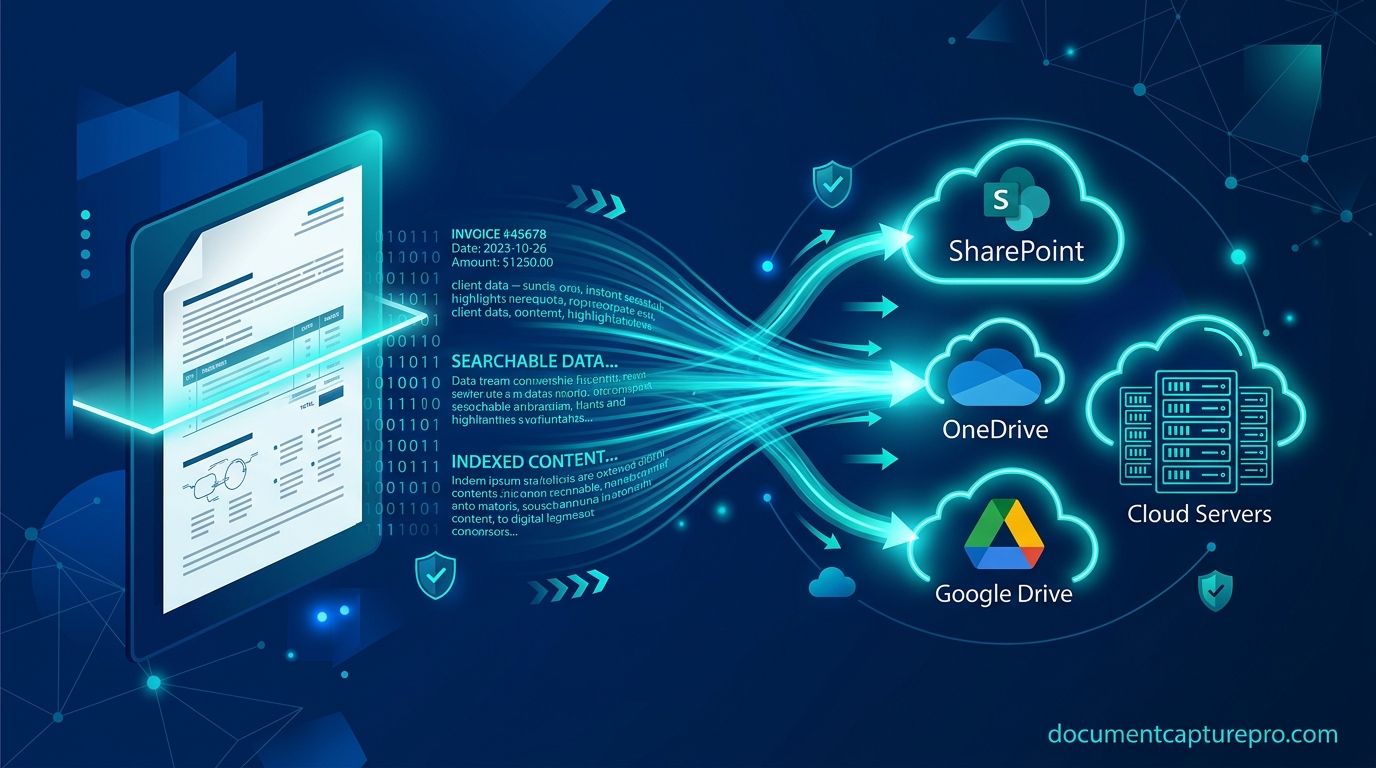
Storing raw, bitmap-only scanned images wastes valuable enterprise storage and prevents team members from searching inside document text. Epson Document Capture Pro provides a native, multi-language Optical Character Recognition (OCR) engine that creates compliant Searchable PDF/A documents while maintaining the visual fidelity of the original sheet.
Even better, Document Capture Pro can link directly to corporate cloud repositories—including Microsoft SharePoint Online, Microsoft OneDrive, Google Drive, Box, and Dropbox—so scanned files are routed and indexed automatically with zero manual file uploading.
1. Configuring Searchable PDF & OCR Engine Settings
To generate searchable documents with maximum text recognition accuracy:
- In Document Capture Pro, open your target Job Profile or click Scan Settings.
- In the File Type section, choose PDF (*.pdf) and click Option.
- Check the box for "Create Searchable PDF".
- Select the primary language of your scanned documents (supports English, Spanish, German, French, Japanese, Simplified Chinese, and 23 additional languages).
- Choose your compliance level: select PDF/A-1b or PDF/A-2b if your organization requires long-term legal archival retention.
2. Connecting Enterprise Cloud Storage Connectors
Under the Destination tab of your job profile, select your organization's cloud environment:
Microsoft SharePoint Online & OneDrive
Select SharePoint Server or Microsoft OneDrive from the destination list. Click Detail, enter your corporate Microsoft 365 URL (e.g. https://yourcompany.sharepoint.com/sites/records), and complete the OAuth2 browser authentication. Choose your destination document library and folder structure.
Google Drive & Dropbox
Click Authentication next to Google Drive. A secure web sign-in will authorize Epson Document Capture Pro to read and write to your designated Drive directory. You can specify a shared team drive or private folder path.
3. Automated Metadata Tagging
When routing to SharePoint or DMS platforms, you can automatically populate column metadata (such as Department, Scan Date, Document Category, or PO Number) directly from the barcode or zonal OCR rules established during scanning.
Download Document Capture Pro Suite
Access the official download center for latest Windows and Mac release packages.
Download Verified Installer